Leonida Video Maker
Turn Your Photo into a Viral GTA 6 Meme Video
A GTA 6 meme video generator that turns your photo into a cel-shaded Vice City video with smooth motion and built-in audio — ready to post on TikTok, Reels, and Shorts or share with friends.
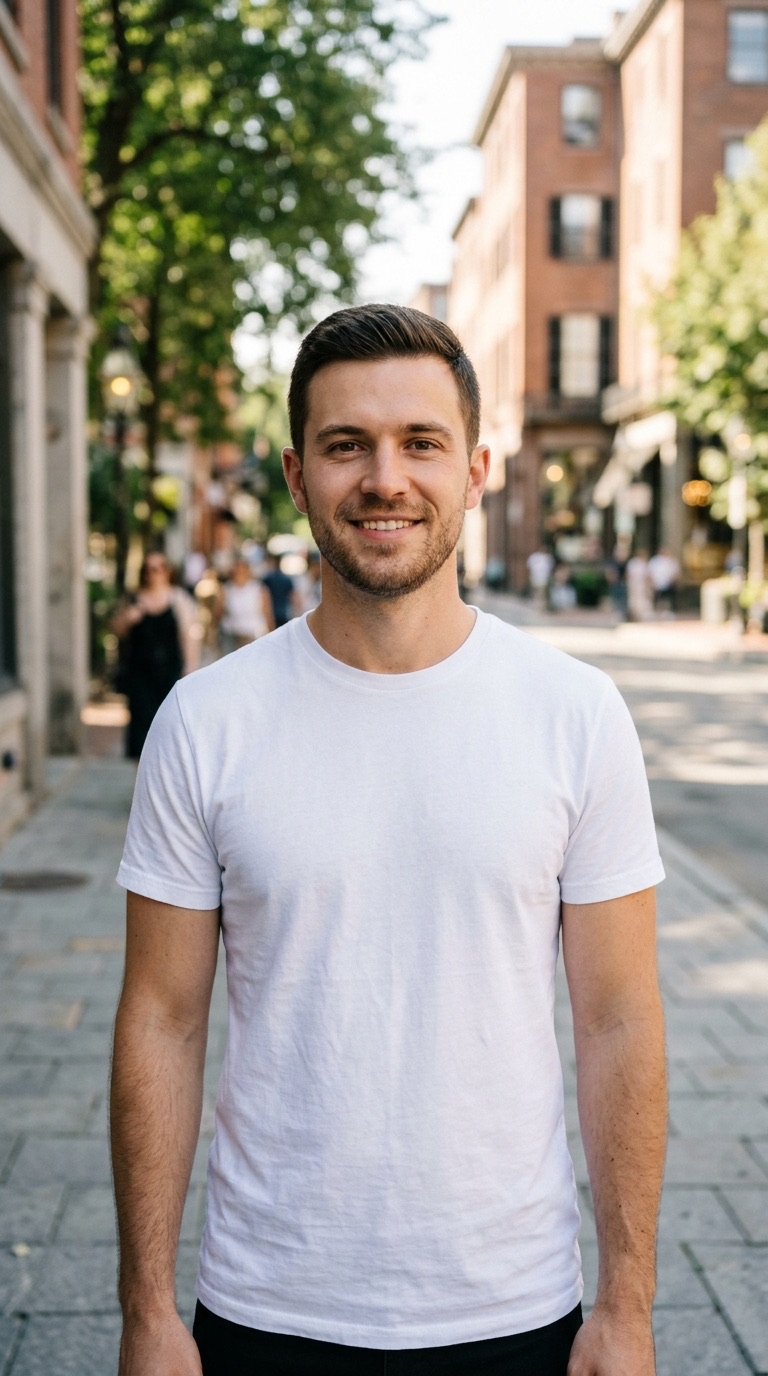
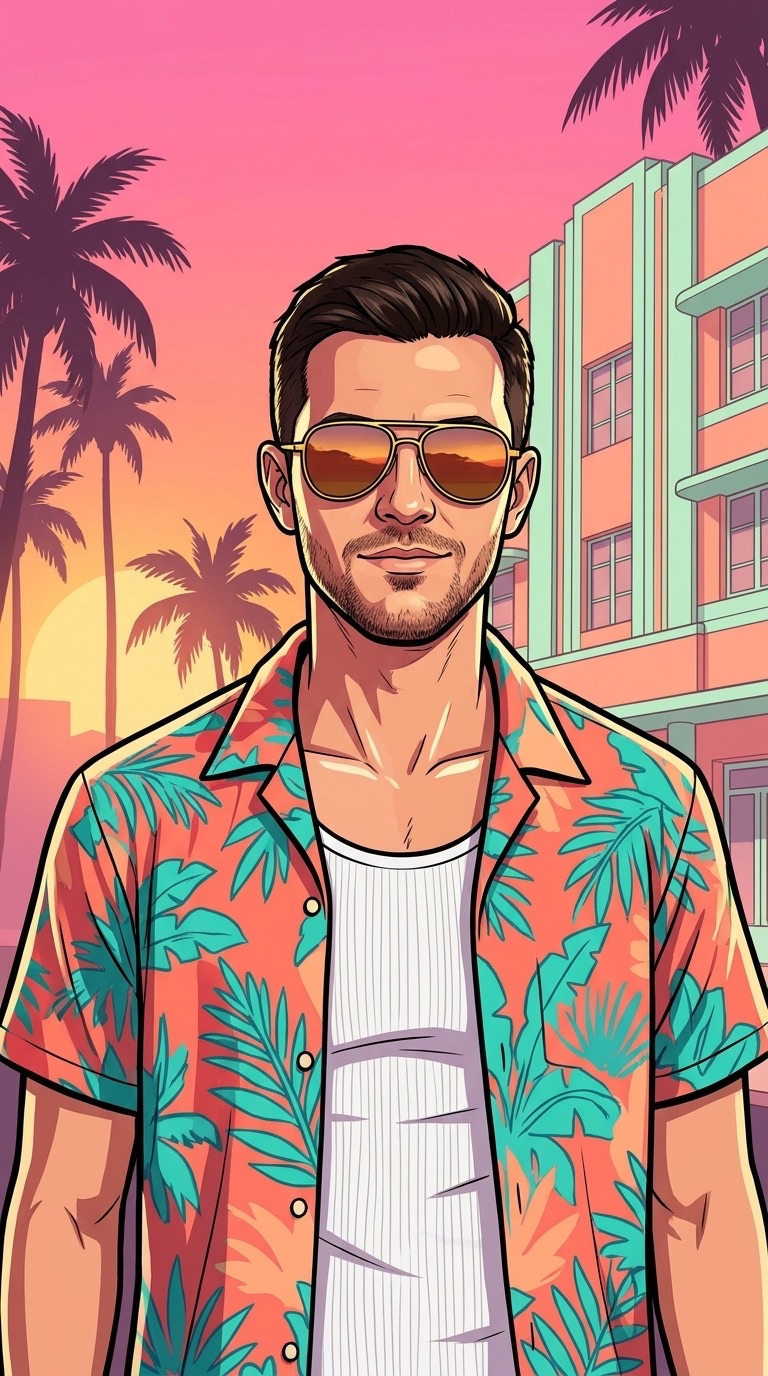
Create Your GTA 6 Meme Video or Vice City Portrait
Pick from curated Vice City motion scenes with built-in audio or hand-painted portrait styles — pre-tuned for lighting, camera movement, and facial likeness with zero prompt writing.
GTA 6 Filter
Turn selfies or duo portraits into hand-painted Vice City artwork or animated clips with sound — zero prompt writing.
Updated November 2026
What Is a GTA 6 Meme Video?
A GTA 6 meme video is a short animated clip that redraws a real person’s photo into Rockstar-inspired Vice City cel-shaded illustration art, then animates camera push-ins, neon reflections, police sirens, or coastal sunset breeze with synchronized audio for TikTok, Instagram Reels, and YouTube Shorts.
Since Grand Theft Auto VI took over short-form feeds in November 2026, millions of players and creators have turned ordinary camera-roll selfies into Vice City main-character intros. Instead of static cartoon overlays, a true GTA 6 meme video combines bold black ink contours, warm Leonida sunset gradients, and living scene motion — swaying palm silhouettes, flashing Vice City PD light bars, ocean spray, and synthwave or siren sound design.
Trying to build a GTA 6 meme video from scratch in generic text-to-video tools usually falls apart in two places: raw camera faces look pasted onto illustrated backgrounds, or facial features warp mid-clip as the camera moves. A purpose-built GTA 6 meme video generator solves face drift by locking your bone structure, hairstyle, beard, or glasses into authentic Vice City painted art first, then animating motion cleanly from that stylized frame.
Everything runs directly inside mobile Safari, Chrome, or desktop browsers with no app install, no video timeline editing, and no watermark bumper at the end. You can export vertical 9:16 clips for TikTok, Reels, and Shorts, portrait posts, square loops, or widescreen intros ready to publish right away.
How to Make a GTA 6 Meme Video from One Photo
Go from a single smartphone portrait to a ready-to-post Vice City MP4 with audio in three straightforward steps.
Choose a Vice City motion scene & aspect ratio
Browse curated Vice City preset scenes — from Trailer Reveal and Ocean Drive Cruise to 5-Star Escape and Vice City PD Mugshot — and select vertical, portrait, square, or widescreen framing.
Upload one clear adult photo & pick output options
Drop a well-lit front or three-quarter JPG, PNG, or WebP portrait under 10 MB, pick your preferred clip length and quality, confirm adult permission, and click Generate.
Download your watermark-free MP4 with sound
Preview your painted Vice City character frame as it generates, then download the finished MP4 clip with built-in audio ready for TikTok, Instagram Reels, X, or YouTube Shorts.
Fun Ways to Share Your GTA 6 Meme
More than a filter — turn everyday selfies into Vice City videos and posters made for group chats, couples, birthdays, and social feeds.
Discord · WhatsApp · iMessage
Roast the Group Chat
Grab a selfie from a friend who’s in on the joke, turn it into a flashing Vice City PD mugshot, and drop it straight into the chat.
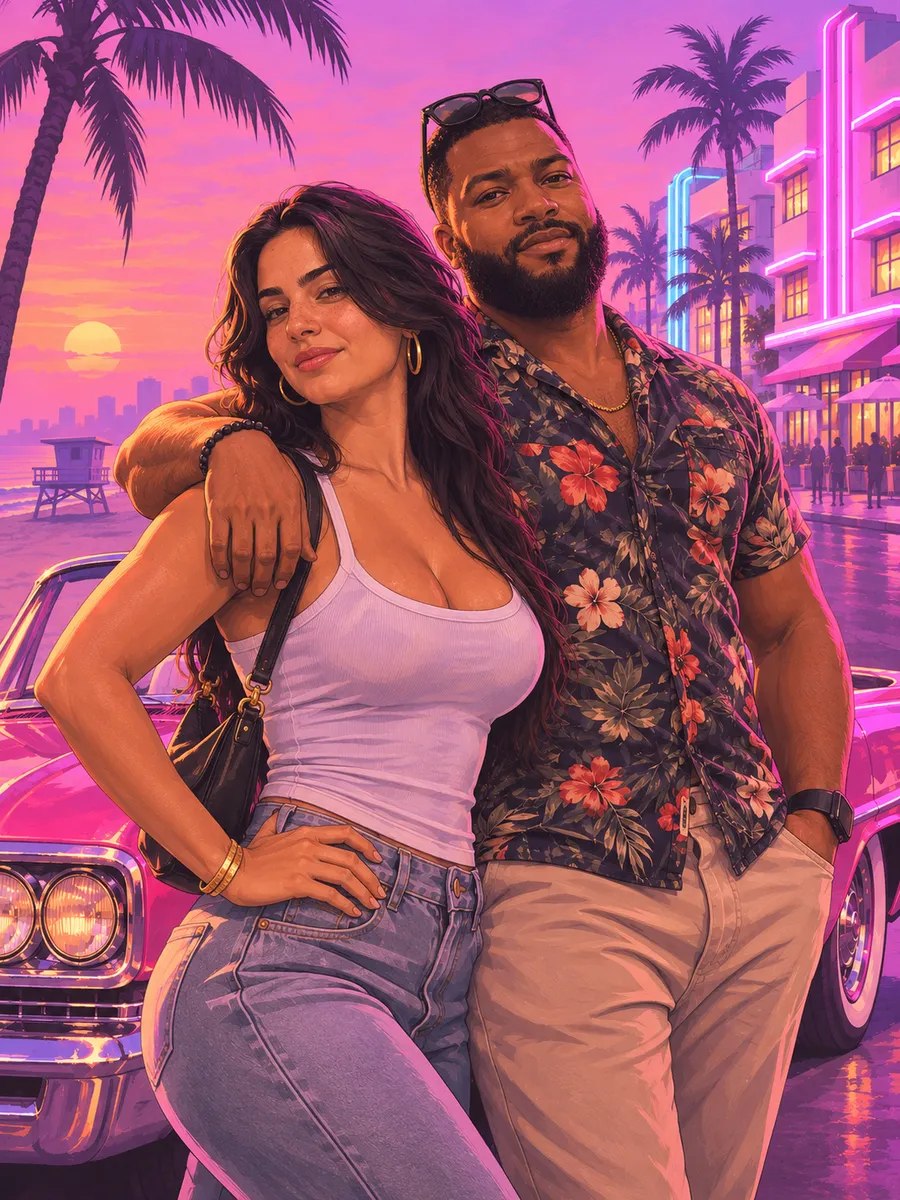
Couples · Besties · IG Story
Couple & Bestie Covers
Upload two adult photos and paint yourselves together beside a Vice City sunset convertible for matching avatars or posts.
Birthdays · Game Night
Birthday & Squad Drops
Skip the plain “Happy Birthday” text — cast the birthday star in a neon VIP club booth or kick off squad night.
TikTok · Reels · Shorts
Before → After Reveal
Start with your real selfie, then reveal your animated Vice City loading-screen intro with built-in audio and no watermark.
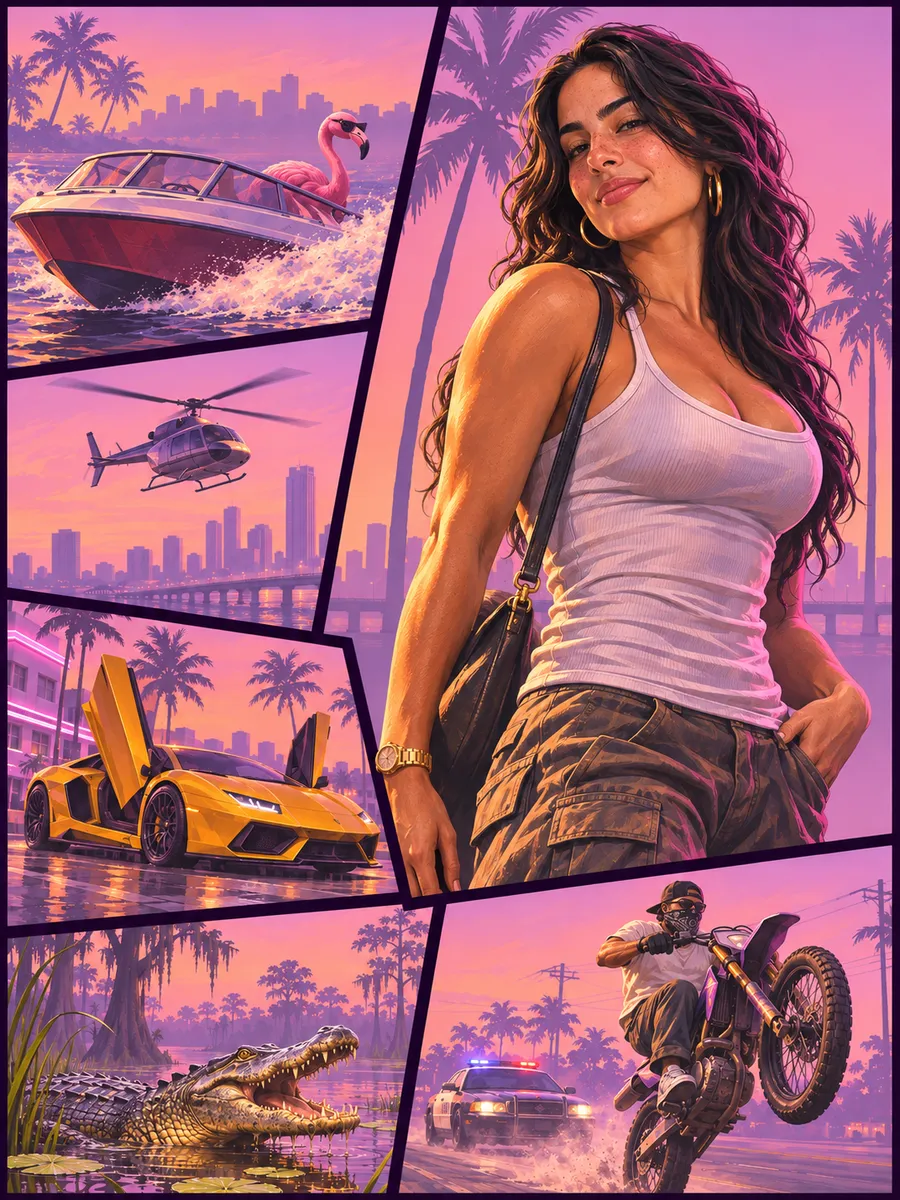
Avatars · Lock Screens · X
Avatars & Phone Wallpapers
Export crisp 2K multi-panel GTA box art for Discord, Steam, X profiles, phone lock screens, and YouTube banners.
Friday Mood · Reactions
Everyday Mood Reactions
Clocking out Friday at 4:59 PM like you have five stars — turn everyday moods into punchy Vice City reaction clips.
Simple One-Time Credit Packs
Pay once in USD via Waffo, keep your credits indefinitely, and spend them across GTA 6 photos and Vice City videos. Zero recurring billing.
Photos from 5 credits | Videos from 20 credits | Credits never expire
100 credits
- Up to 20 GTA 6 photos or 5 Vice City videos
- Pay once, no subscription
- Credits never expire
300 credits
Most popular- Up to 60 GTA 6 photos or 15 Vice City videos
- Pay once, no subscription
- Credits never expire
600 credits
Top value- Up to 120 GTA 6 photos or 30 Vice City videos
- Pay once, no subscription
- Credits never expire
Flexible per-render credits
Spend credits only for the photos or animated MP4 videos you generate, scaled by your chosen resolution and length.
Pay once — zero subscriptions
One-time USD packs ($7.99, $17.99, $27.99) checked out securely via Waffo. Credits never expire and never auto-renew.
Watermark-free MP4 with audio
Every GTA 6 meme video downloads cleanly with synchronized Vice City sound and zero app end-cards.
Automatic credit refund on errors
If an upstream server error ever interrupts a render, every credit spent on that job returns to your balance automatically.
All credit packs are billed in USD as one-time purchases and processed securely through the Waffo payment platform. No recurring subscriptions.