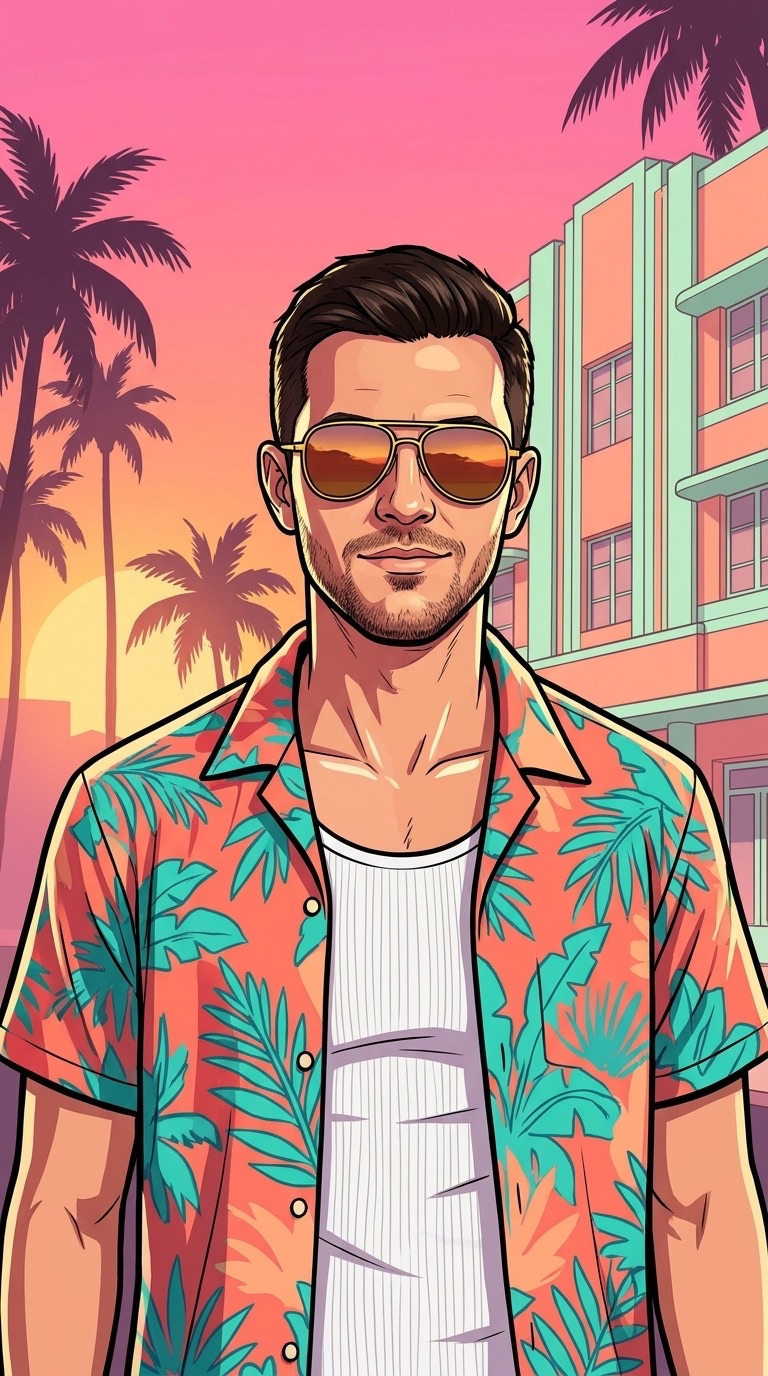
GTA 6 Filter: Turn Any Photo into Vice City Art & Video
A GTA 6 filter turns an ordinary photo into the hand-painted, neon-soaked Vice City look of GTA 6 — from loading-screen art and cover art to wanted posters and in-game selfies ready to share on TikTok, Reels, and X.
1. Choose Vice City Video Scene
2. Upload Your Photo
3. Output Settings
5-Star Escape
GTA 6 Filter Before & After Examples
See how our Vice City stylizer keeps facial bone structure, hairstyle, glasses, and expression intact while repainting lighting, ink outlines, and backgrounds.
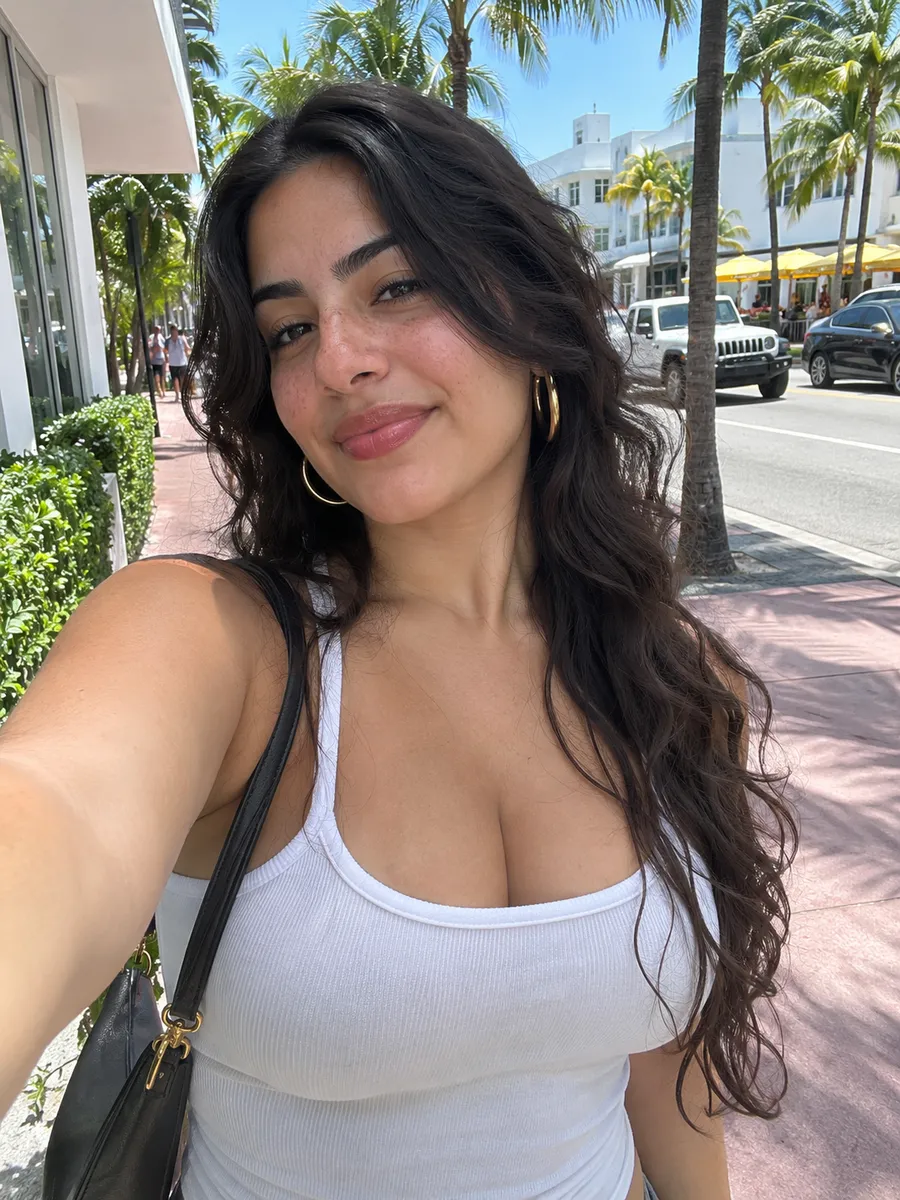 Original
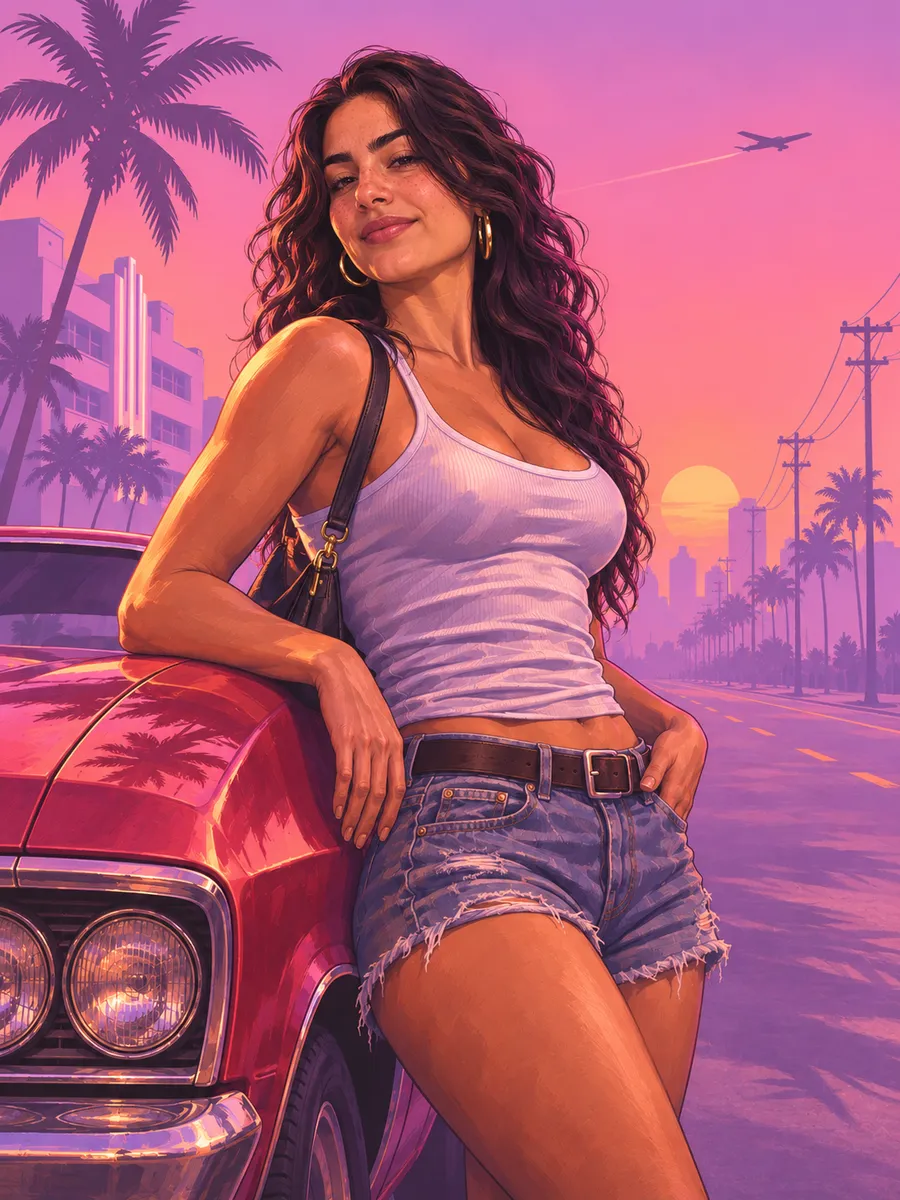 Vice City Art
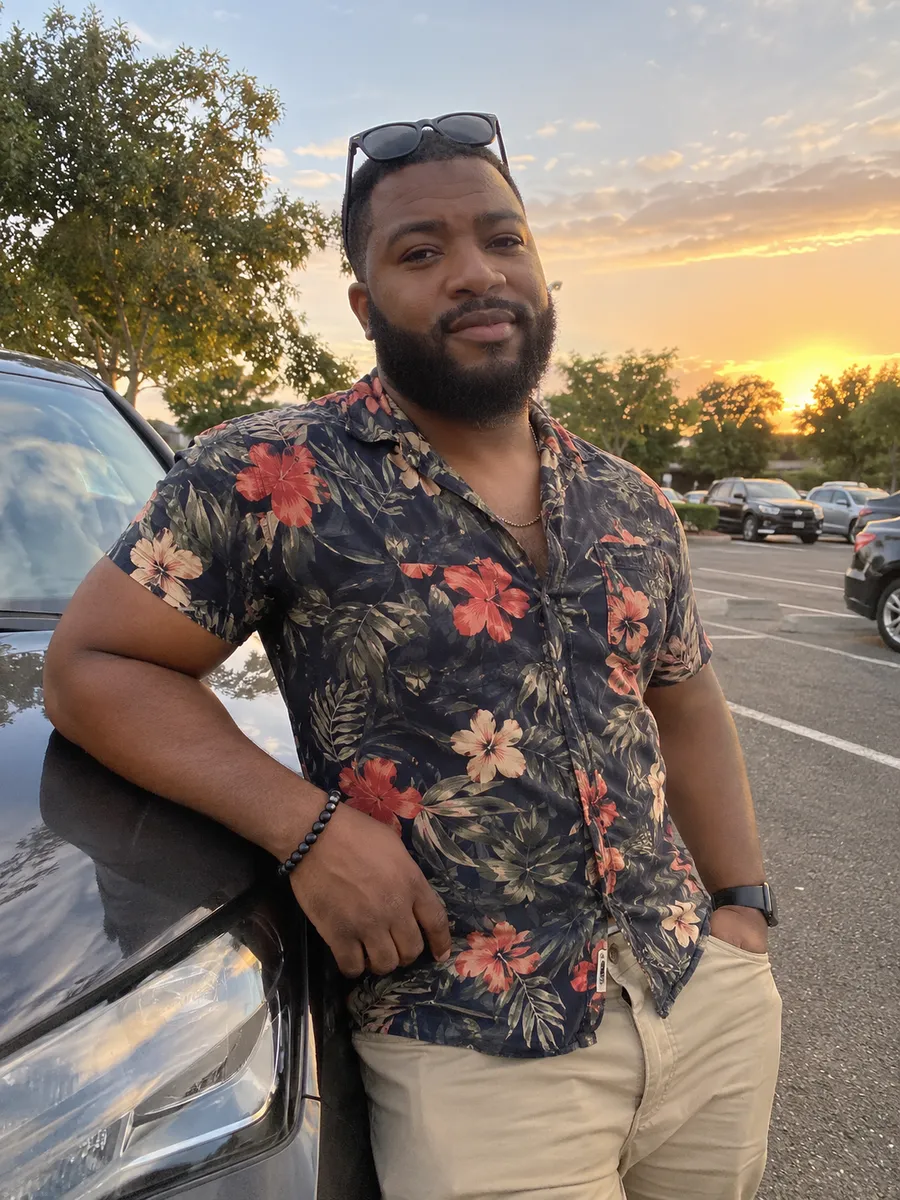 Original
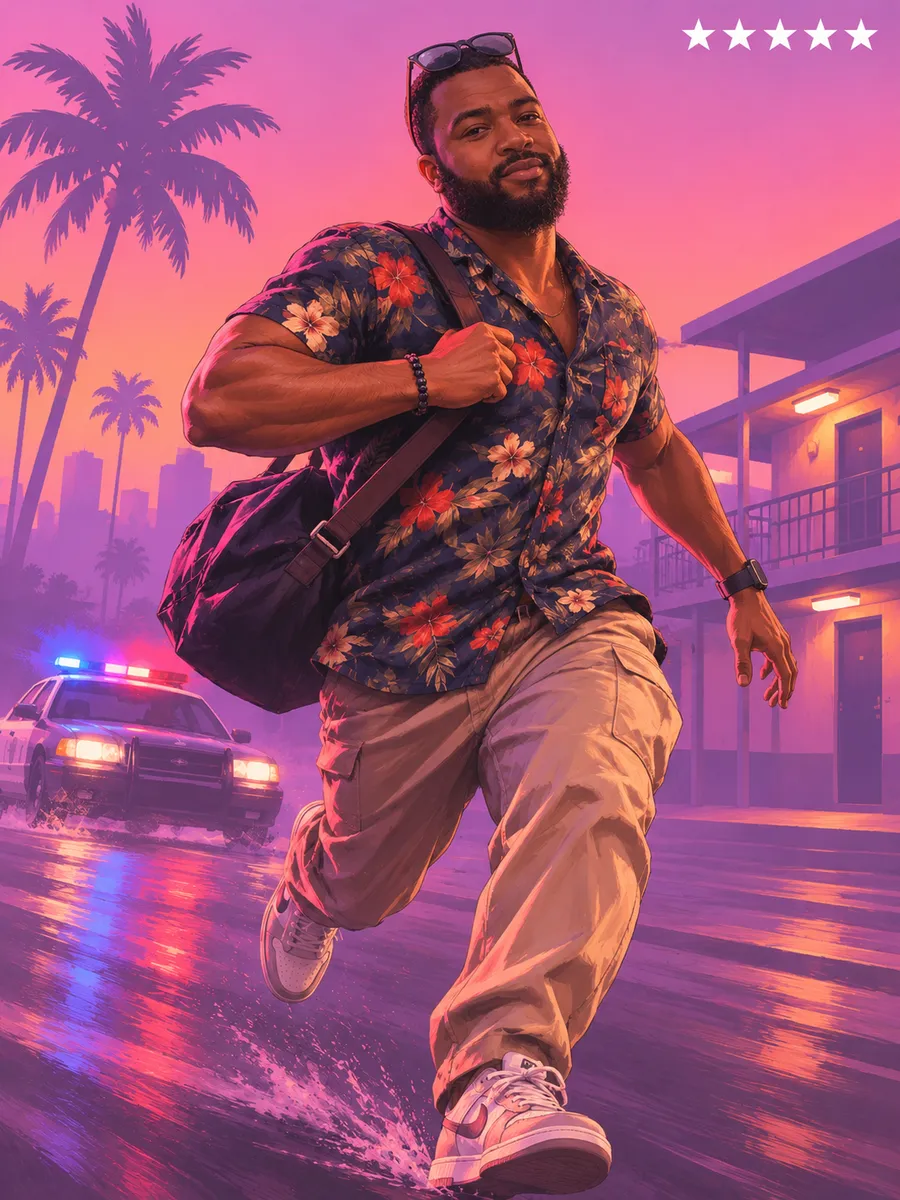 Vice City Art
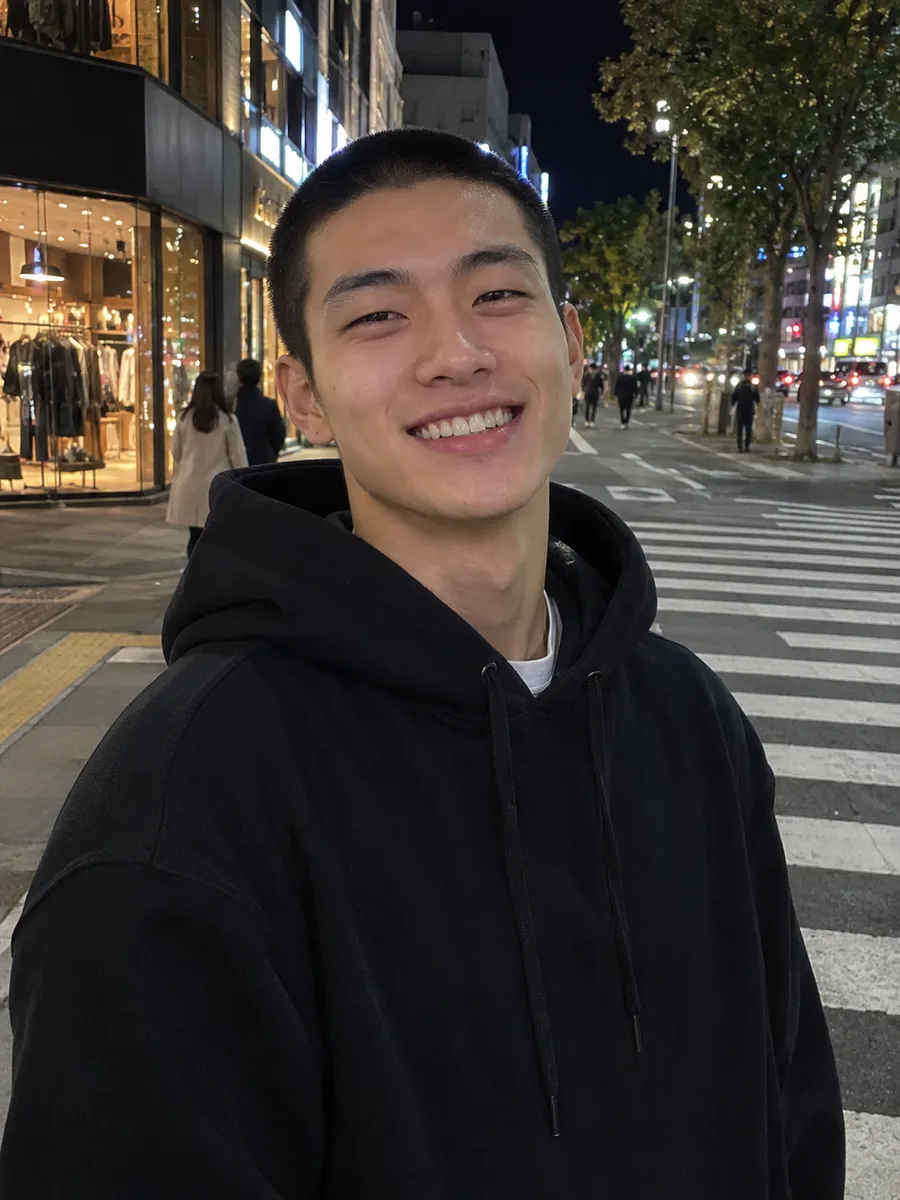 Original
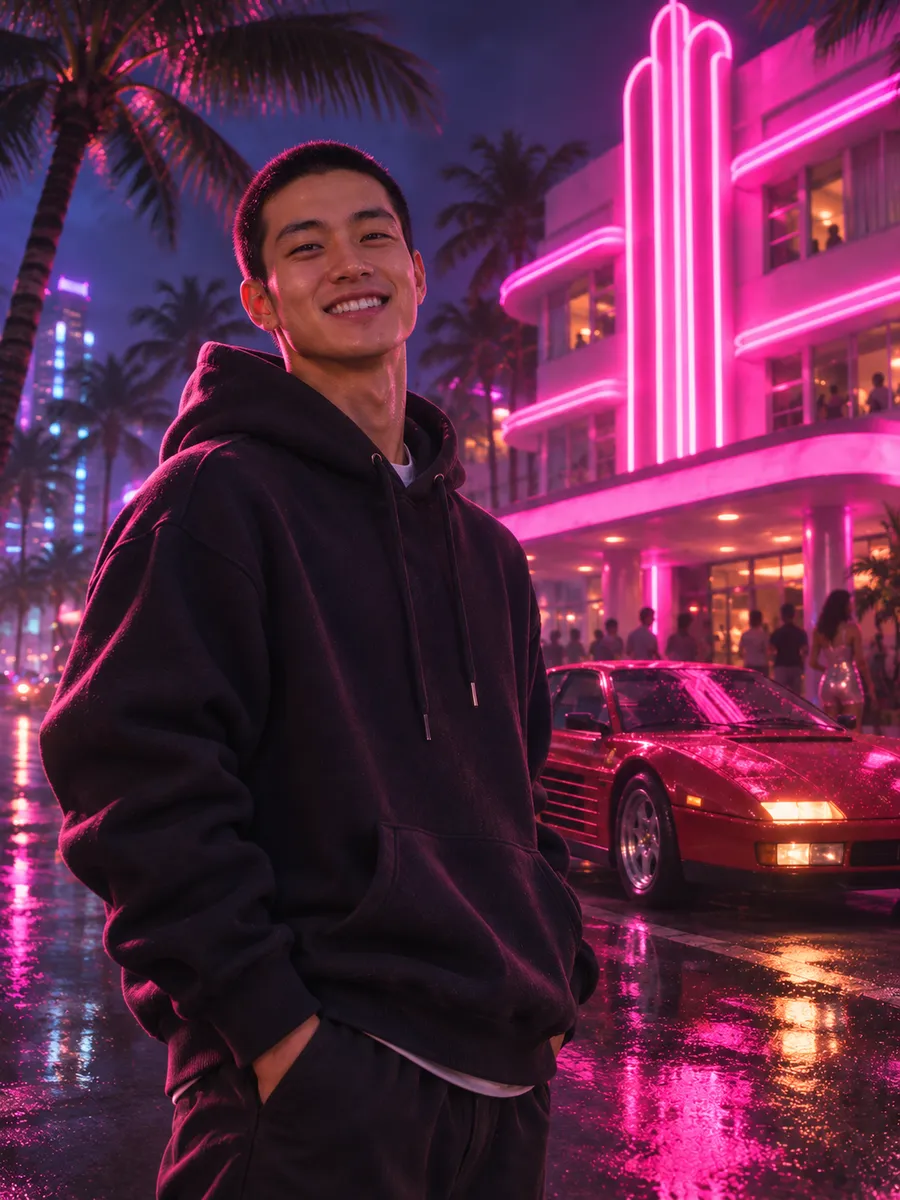 Vice City Art
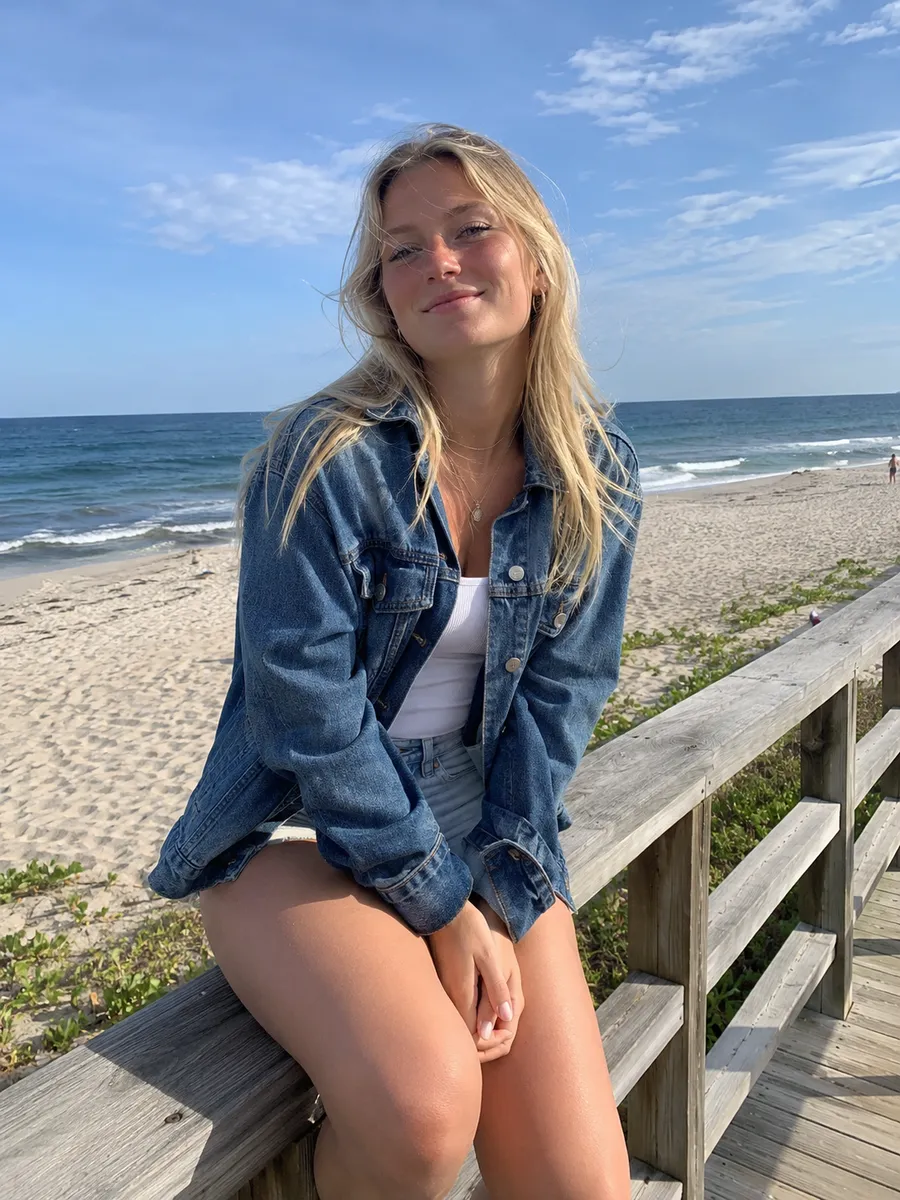 Original
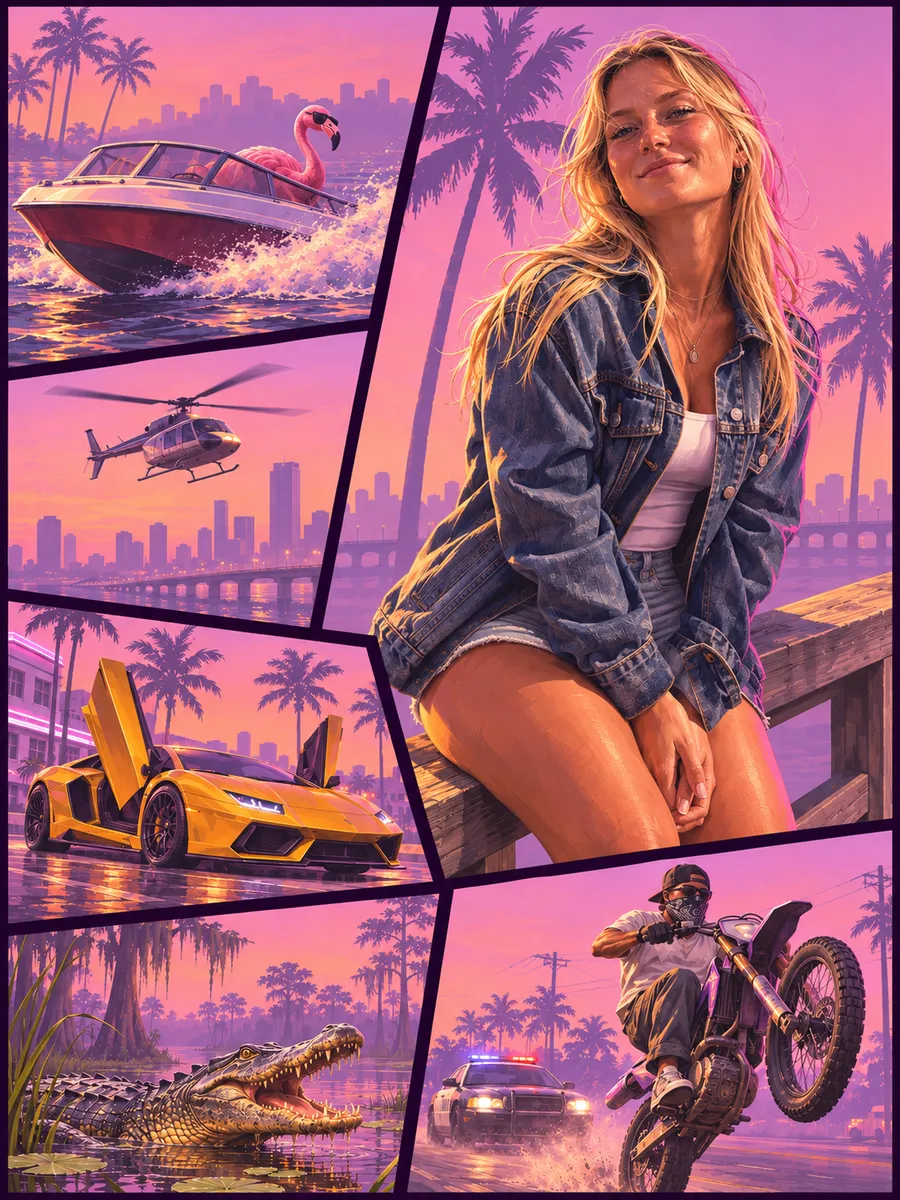 Vice City Art
GTA 6 Filter Styles & Animated Video Scenes
Click any Vice City photo style or hover any animated video clip below to load that preset straight into the generator above.
Vice City Photo Styles
Includes solo Vice City presets plus the two-person Couple Cover preset.
Animated Vice City Video Scenes
Hover or tap any card to preview the camera movement before uploading your photo.
Updated November 2026
What Is a GTA 6 Filter?
A GTA 6 filter is an AI photo-and-video stylizer that redraws a real portrait into the hand-painted, cel-shaded Vice City illustration style of Grand Theft Auto VI — complete with bold ink outlines, warm Leonida sunset lighting, neon reflections, and optional animated motion with sound.
Unlike simple color LUTs or cartoon skin-smoothing apps, an authentic GTA 6 filter rebuilds the entire frame around Rockstar-inspired illustration craft. Instead of writing long prompts, you pick directly from iconic Vice City looks — including Loading Screen, multi-panel Cover Art, 5-Star Wanted, Leonida Mugshot, In-Game Selfie, and the two-person Couple Cover.
In Photo mode, this GTA 6 filter pairs your uploaded portrait with curated Vice City style references so your real jawline, eyes, hairstyle, beard, and everyday glasses carry cleanly into crisp HD artwork — ready for profile pictures, posters, and thumbnails.
In Video mode, this GTA 6 filter goes beyond static pictures by painting your likeness into the opening Vice City frame first and then animating smooth camera movement, police sirens, ocean spray, and synth audio without raw-photo face drift.
How This GTA 6 Filter Keeps Your Face Recognizable
Whether you export a loading-screen portrait or an animated Vice City clip, every preset follows four visual guardrails.
Pre-tuned Vice City composition
Pick from curated GTA 6 filter photo styles or motion scenes with pre-calibrated sunset and neon palettes — zero prompt engineering.
Hand-painted facial likeness
Your adult portrait (or duo pair) is redrawn with crisp cel-shaded ink lines that preserve bone structure, skin tone, hair, and glasses.
Optional Vice City animation & sound
Switch to Video mode or click Animate to Video on any finished portrait to add smooth camera tracking, neon reflections, and audio.
Clean HD download with no watermark
Every image and MP4 saves to your private gallery with instant watermark-free download for TikTok, Reels, X, and Discord.
How to Make a GTA 6 Filter Photo in 3 Steps
Choose a GTA 6 filter style or video scene
Select GTA 6 Photo (including Loading Screen, Cover Art, and Couple Cover) or GTA 6 Video for animated scenes, and preview the sample on the right.
Upload your photo & pick output settings
Upload 1 clear adult photo (or 2 photos for Couple Cover), choose your aspect ratio and output quality, check consent, and click Generate.
Download watermark-free — or Animate to Video
Download your finished GTA 6 filter portrait or animated MP4 clip with audio right from the preview, or turn any generated photo into a video in one click.
GTA 6 Filter vs CapCut vs Manual AI Prompts
How a dedicated Vice City GTA 6 filter compares against mobile app templates and raw prompt tools.
| Feature | GTA6Meme GTA 6 Filter | CapCut Mobile Templates | Manual Chat / AI Prompts |
|---|---|---|---|
| Output types | HD photos (solo & duo) + animated MP4 videos. | Mostly zoom transitions on static shots. | Separate tools needed for photo and video. |
| Likeness & style | True painted Vice City art; face stays recognizable. | Flat cartoon overlay that blurs facial details. | Frequently drifts face or pastes raw skin. |
| App & watermark | Runs in browser; zero watermarks. | Requires app install; often adds end-card logo. | No audio; manual cropping required. |
| Pricing | One-time packs from $7.99; no subscription. | Weekly or monthly auto-renewing Pro plan. | Wasted credits on trial-and-error prompts. |
Best Photos to Use with a GTA 6 Filter
Good lighting on your eyes and jawline helps this GTA 6 filter capture your exact likeness on the first try.
Photos that look sharpest
- Well-lit front or slight three-quarter adult portrait with eyes, eyebrows, and hairline clearly visible
- Head-and-shoulders or waist-up framing (your real background is completely redrawn into Vice City)
- For Couple Cover, upload two separate clear portraits so both people render sharp side by side
- Everyday glasses, beards, or distinctive hairstyles — all translate cleanly into GTA 6 painted lines
Photos that weaken likeness
- Heavy masks, hands covering the mouth, or oversized sunglasses hiding eye shape
- Motion-blurred club snapshots, harsh backlighting, or tiny cropped faces under 256px
- Crowded group shots inside a single upload box when using a solo preset
- Photos of minors, celebrities, public figures, or anyone without explicit permission
When to Use This GTA 6 Filter
Built for fast Vice City profile art, duo posters, and vertical social clips without Photoshop or prompt writing.
Great fits
- HD GTA 6 filter profile pictures, Discord/Steam avatars, wallpapers, and Cover Art posters
- Two-person Couple Cover portraits with a partner or best friend against a Leonida sunset
- Vertical TikTok, Instagram Reels, and YouTube Shorts clips with built-in audio
- Generating a GTA 6 filter portrait first, then clicking Animate to Video on your favorite result
Not designed for
- Freeform text-prompt scenes outside our curated Vice City photo styles and video scenes
- Large group photos with three or more people in a single frame
- Long multi-minute video timelines (designed for punchy short-form clips)
- Uploads depicting minors, public figures, or non-consenting individuals
GTA 6 Filter Output Specs
Photo & Video- Input Format
- JPG, PNG, WebP (up to 10 MB)
- Photo Styles
- Curated solo & duo Vice City presets
- Photo Quality
- Standard & HD portrait export
- Aspect Ratios
- Vertical, portrait, square & wide
- Video Scenes
- Animated Vice City motion presets
- Video Audio
- Built-in Vice City sound & ambience
- Download Format
- Watermark-free HD image or MP4
- Device Support
- Mobile & desktop web browser
Simple One-Time Credit Packs
Pay once in USD via Waffo, keep your credits indefinitely, and spend them across GTA 6 photos and Vice City videos. Zero recurring billing.
Photos from 5 credits | Videos from 20 credits | Credits never expire
100 credits
- Up to 20 GTA 6 photos or 5 Vice City videos
- Pay once, no subscription
- Credits never expire
300 credits
Most popular- Up to 60 GTA 6 photos or 15 Vice City videos
- Pay once, no subscription
- Credits never expire
600 credits
Top value- Up to 120 GTA 6 photos or 30 Vice City videos
- Pay once, no subscription
- Credits never expire
All credit packs are billed in USD as one-time purchases and processed securely through the Waffo payment platform. No recurring subscriptions.
GTA 6 Filter Frequently Asked Questions
What is a GTA 6 filter and how does it work?
Is there a free GTA 6 filter?
How do I make a GTA 6 filter photo of myself?
Can I use it on iPhone or Android without an app?
Why doesn't my face look like the GTA 6 character?
GTA 6 filter vs CapCut — which is closer to the real loading screen?
Can I post it on TikTok, Reels, and YouTube Shorts?
Can I make a two-person or couple GTA 6 portrait?
How long does a photo or video take to generate?
Are my photos kept private, and is this affiliated with Rockstar Games?
Try the GTA 6 Filter on Your Own Photo
Pick a Vice City photo style or animated video scene above and turn your selfie into watermark-free GTA 6 art ready to share.